A Social Media Content Calendar for Restaurants (Free Template)
Build a social media content calendar for your restaurant in an hour. A simple weekly template, what to post each day, and how to schedule it ahead.
A Social Media Content Calendar for Restaurants (Free Template)
A content calendar is just a simple answer to one question: what am I posting, and when? Decide that once a week, and you stop scrambling for a post during the dinner rush. Here is a free template you can build in an hour and reuse forever.
You do not need fancy software to start. You need a repeatable weekly shape and the habit of filling it in ahead of time. Let's build it step by step.
Step 1: Set your weekly rhythm
Pick three to five days you will post, and keep them the same every week. Consistency is the whole point: a steady rhythm signals you are open and busy. A simple starting template looks like this:
- Monday: a reason to come in this week (special or event)
- Wednesday: the food (your best dish or a new item)
- Friday: the people (a behind-the-scenes or team moment)
- Sunday: proof (a customer photo or kind review)
That is four posts, one from each core bucket. This mirrors a simple social media strategy for restaurants, the calendar is just that strategy on a grid.
Your next step: Write your four fixed days and their buckets on a sheet you will reuse.
Step 2: Fill the slots with real ideas
Now drop a specific idea into each slot. Do not overthink it, pull from a running list so you never face a blank box. If you need a stack of options, grab 30 social media post ideas for restaurants and assign a few to this week.
Keep at least one time-sensitive post (a special, an event, a last-call) in every week. That is what turns a nice feed into one that fills seats.
Your next step: Assign one concrete idea to each day for the coming week.
Step 3: Shoot the photos in one batch
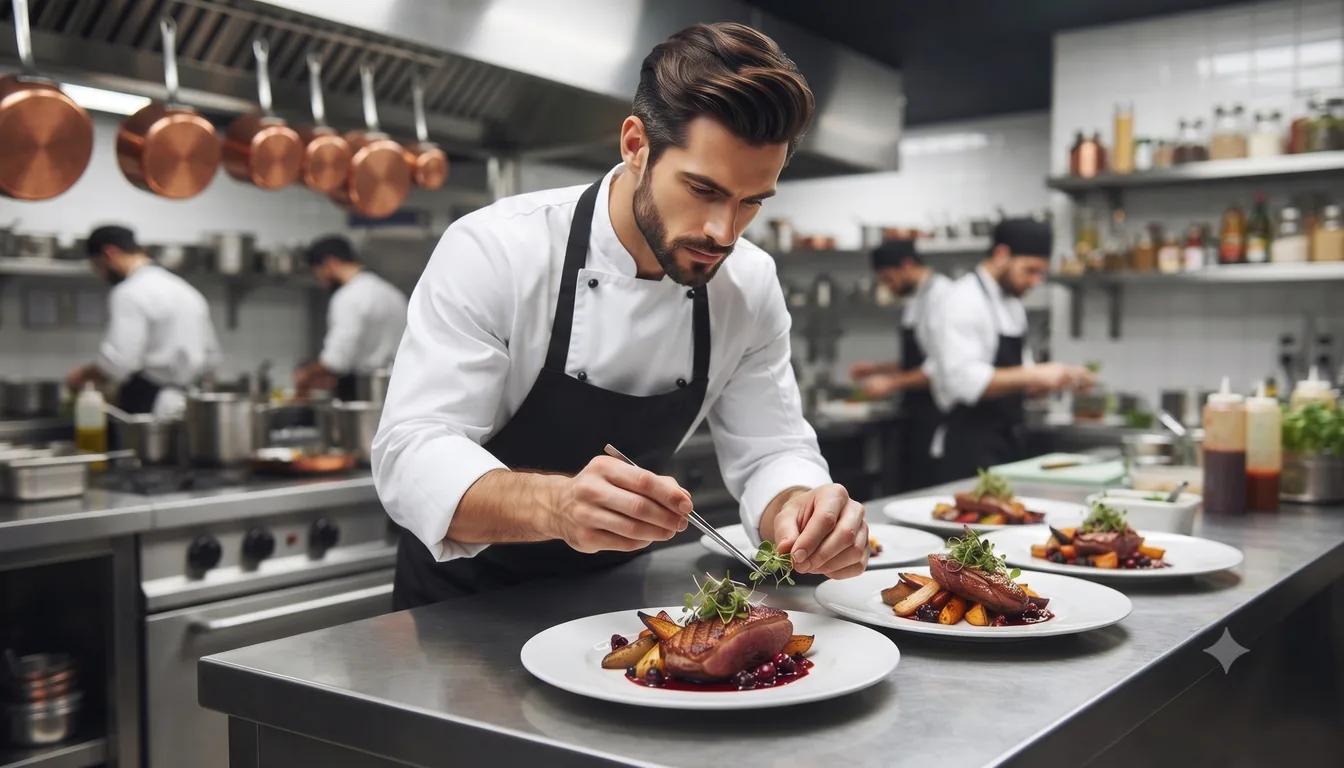
Photos are the bottleneck, so take them all at once. During one service, capture the dishes, a behind-the-scenes moment, and grab a customer photo or two. Save them to a single folder. Build that habit with turning diner photos into a steady stream of content.
Your next step: Take all of this week's photos in one shift and save them in one place.
Step 4: Write and schedule ahead
Here is the step that makes the calendar actually work: write your week of captions in one sitting and schedule them to publish on their own. Posting live during service is exactly when the calendar falls apart.
In ForaPost: Fill a week of your calendar in one sitting, attach your batched photos, and your AI Manager publishes them across Instagram and Facebook.
Your next step: Block one hour this week to write and schedule all of next week's posts.
Step 5: Review and repeat
At the end of the week, glance at what got the most reaction and reuse that idea. Keep the template, swap the ideas, and repeat. Over a season, this loop builds a full, current feed with almost no daily effort.
Your next step: Set a recurring hour every week to refill the calendar for the week after. If you want a deeper look at the categories to keep in rotation, see Instagram Highlights for Restaurants: The 5 Categories Every Restaurant Profile Needs.
The whole system in one line
A restaurant content calendar is a fixed weekly rhythm, filled with real ideas, shot in one batch, and scheduled ahead. Do that and your feed runs itself while you run the floor.
With ForaPost, you get one place to plan the week and drop in your photos, and your AI Manager schedules everything at once, so the calendar is not just a plan on paper, it is a feed that publishes on time.
Ready to put your social media on autopilot?
Join thousands of small businesses using ForaPost to grow their online presence with AI.
Start FreeFrequently Asked Questions
What is a social media content calendar for a restaurant?
It is a simple plan that says what you will post and when, usually across a week. Instead of scrambling for a post each day, you decide the rhythm once, fill in the ideas, and schedule them ahead so the feed runs on its own.
How often should a restaurant post from its calendar?
Three to five posts a week is a strong, sustainable target. Spread them across the week rather than clustering them, and keep at least one time-sensitive post, like a special or event, in every week.
How far ahead should I plan restaurant posts?
Plan and schedule one to two weeks at a time. That is far enough to stay ahead of a busy stretch, but close enough that your specials and events stay accurate and current.
Do I need special software for a content calendar?
You can start with a notebook or spreadsheet. The real time-saver comes when you schedule the posts ahead so they publish on schedule, instead of posting each one live during service.
Related Posts
A Simple Social Media Strategy for Restaurants
You don't need a big plan. A simple social media strategy for restaurants: one goal, two platforms, three post types, and a weekly rhythm you can keep.
Oct 5, 2026
30 Social Media Post Ideas for Restaurants
Never stare at a blank caption again. 30 social media post ideas for restaurants you can shoot fast and schedule ahead, sorted into simple buckets.
Sep 25, 2026
Why Social Media Matters for Restaurants
Why does social media matter for restaurants? Because locals decide where to eat by scrolling. Here's what it really does for your seats and revenue.
Sep 5, 2026